Which AI Image Generator Should You Use? A Practical Comparison for 2026
There are now more AI image generators than anyone can reasonably keep track of. Nano Banana Pro, Midjourney, ChatGPT, Ideogram, Adobe Firefly, Recraft, Grok — all capable, all improving fast, and all good at different things. The question isn't "which is the best?" any more. They've all crossed t
There are now more AI image generators than anyone can reasonably keep track of. Nano Banana Pro, Midjourney, ChatGPT, Ideogram, Adobe Firefly, Recraft, Grok — all capable, all improving fast, and all good at different things.
The question isn’t “which is the best?” any more. They’ve all crossed the quality threshold. The question is: which AI image generator should you use, based on what you’re trying to make?
I’ve spent the past year using all of them for real work — social graphics, marketing visuals, thumbnails, product mockups, brand assets. This is a straightforward guide to what each tool does well, where it falls short, and when to use it.
Nano Banana Pro — the best all-rounder
Read my Nano Banana prompt guide with lots of prompts for marketing, here 😊
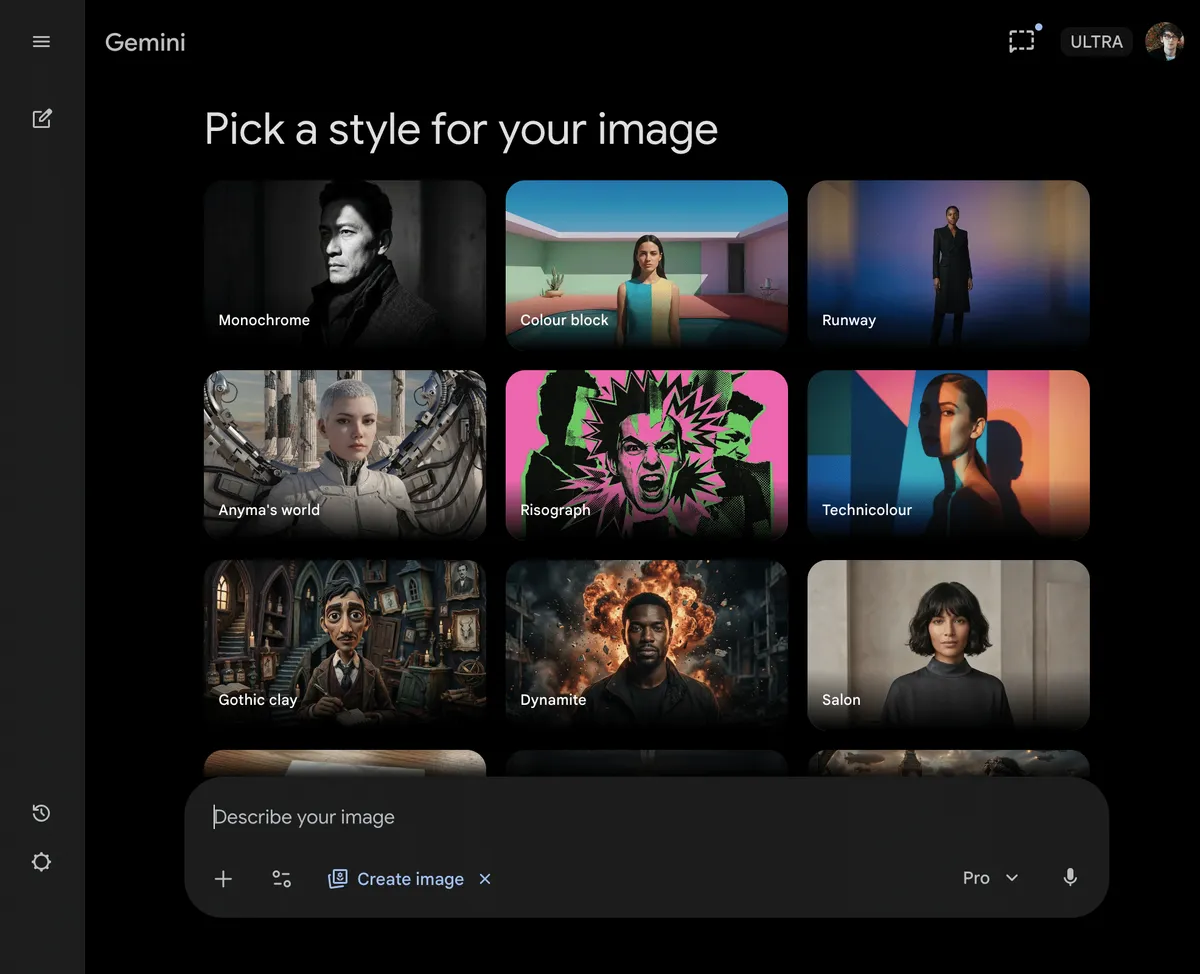
Nano Banana Pro is Google’s image generation model, available inside Gemini. It’s built on the Gemini 3 Pro architecture and was released in November 2025. If you only use one AI image generator, this is the one.
What sets it apart is that it genuinely understands what it’s creating. It reasons about the scene before rendering it — how light interacts with surfaces, how objects sit in space, how shadows fall. The result is images with a photographic quality that most competitors can’t match. Textures look real. Skin looks like skin, not plastic. Paper looks like paper. For marketing, where “authentic” beats “perfect,” that matters enormously.
It’s also one of the strongest at rendering readable text inside images. If you need a poster mockup, a social graphic with a headline, or an infographic, Nano Banana Pro gets the words right far more often than most generators. And the editing capabilities are impressive — you can ask it to change specific elements of an image (swap an object, adjust lighting, change a colour) without the whole thing falling apart.
The downsides are worth knowing. It stamps a visible watermark on every image generated through Gemini, which is annoying for professional use. You can crop it or use third-party tools to remove it, but it’s an extra step. The free tier is also limited — after a few generations, non-paying users get routed to the standard Nano Banana model rather than the Pro version. To get consistent Pro-quality output, you’ll need Google AI Pro.
Use it for: Product shots, social media graphics, marketing visuals, any image where realism and accuracy matter. Your default choice for most jobs.
Midjourney — when it needs to look stunning
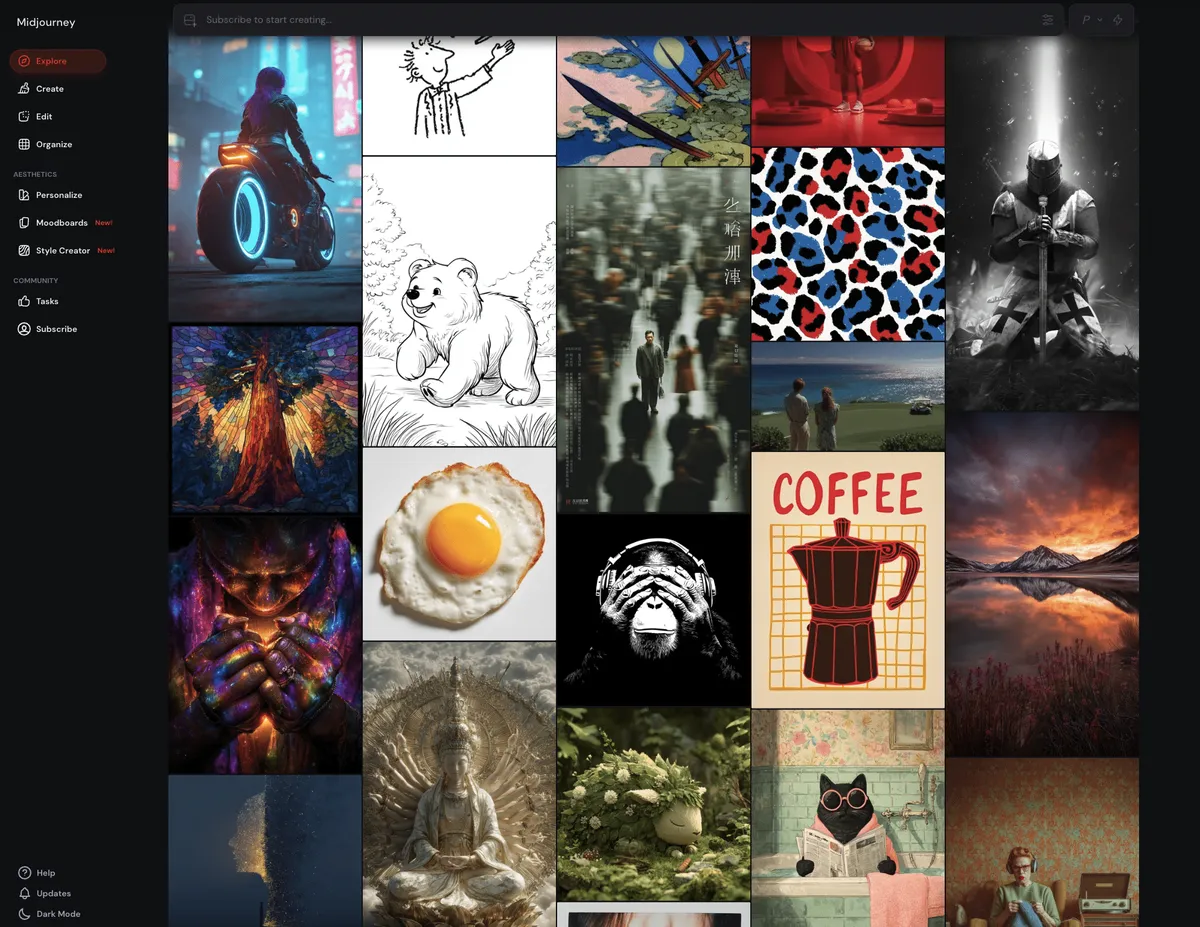
Midjourney is the tool you reach for when visual impact is the priority. It’s been the benchmark for artistic quality in AI image generation since its early days, and V7 (the current default model, with V8 now in alpha) has only widened that lead.
The aesthetic quality is distinctive. Midjourney images have a richness — in lighting, colour, composition, and mood — that feels more like fine art or editorial photography than AI output. Concept artists, designers, and brand teams use it for mood boards, campaign visuals, fantasy illustrations, and anything where the image needs to stop someone mid-scroll.
V7 brought some meaningful practical improvements. Prompt adherence is significantly better — it drops fewer details and misinterprets instructions less often. The new personalisation feature learns your aesthetic preferences after you rate around 200 images, so over time the outputs skew toward your taste. Draft Mode lets you generate quick, cheap previews before committing to full renders, which speeds up the ideation process.
The big weakness is text. Midjourney is still unreliable at rendering readable words inside images. Logos get distorted, titles get misspelled, signage comes out garbled. If your image needs legible text, use a different tool.
There’s no free tier. Plans start at $10 per month for Basic (limited fast generations) and go up to $120 per month for Mega. For most people creating content regularly, the Standard plan at $30 per month with unlimited relaxed generations is the practical choice.
Use it for: Concept art, editorial imagery, mood boards, campaign visuals, brand storytelling — anything where the image needs to be genuinely beautiful. Not for thumbnails, posters, or anything requiring readable text.
ChatGPT — fast conversational iteration
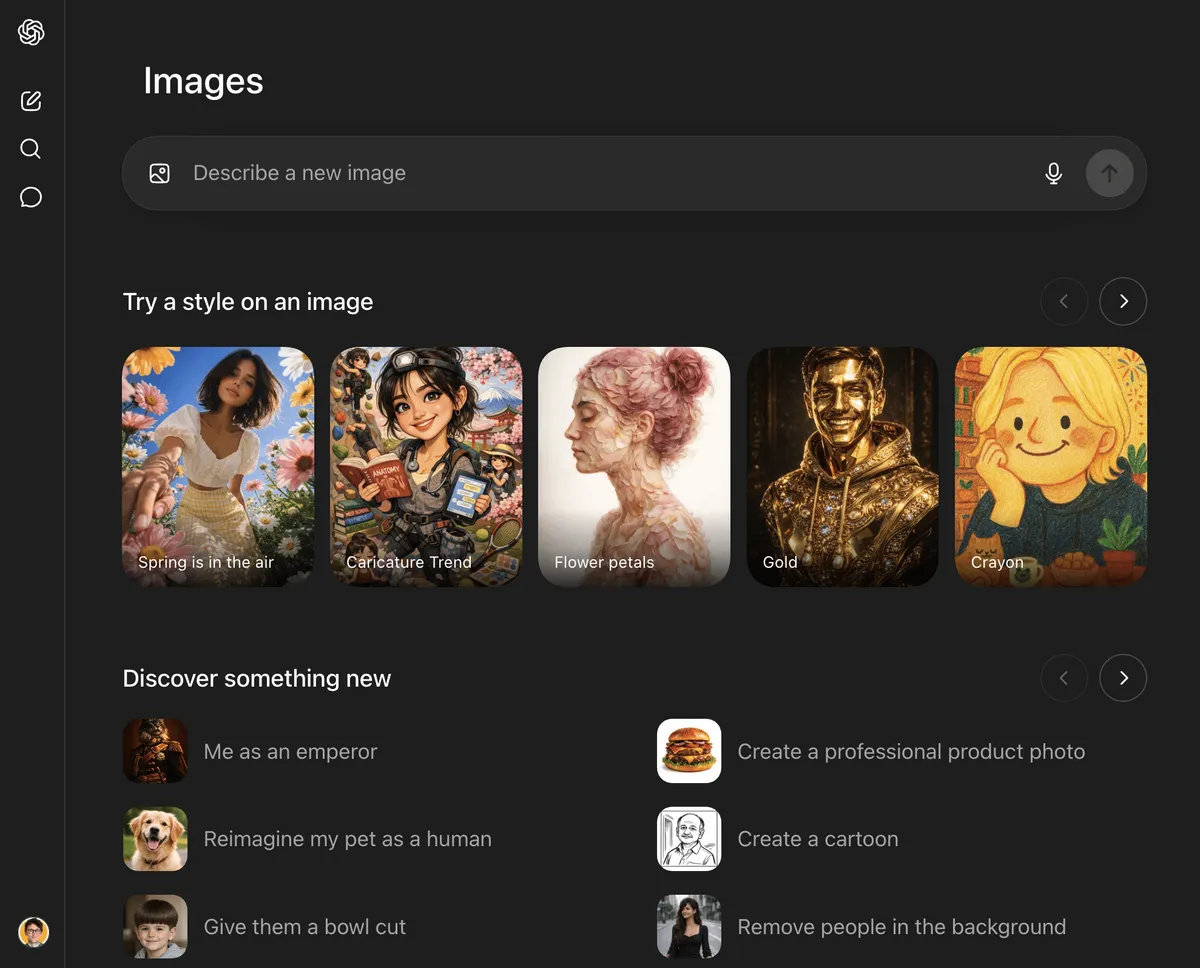
ChatGPT’s image generation (powered by GPT Image 1.5) has improved substantially, but it occupies a specific niche rather than competing across the board.
The standout feature is the conversational workflow. You generate an image, then refine it through natural language: “make it warmer,” “change the background to a kitchen,” “add a second person.” ChatGPT understands context and iterates without you having to re-prompt from scratch. For rapid experimentation — knocking out multiple variations quickly, testing different directions — this is genuinely efficient.
The weakness is visual homogeneity. ChatGPT images have a very recognisable style, and it’s everywhere. Scroll LinkedIn or Instagram for five minutes and you’ll spot it: that slightly glossy, illustration-heavy look that’s become the default aesthetic of AI-generated content in 2026. If you’re using ChatGPT for images, your visuals will blend in with everyone else’s.
It also refuses to generate images of real, identifiable people. For some use cases (editorial commentary, news illustration, satire) that’s a meaningful limitation.
Image generation is included with ChatGPT Plus at $20 per month, which also gets you the full ChatGPT feature set. Free users get limited access.
Use it for: Quick concept exploration, iterative refinement through conversation, mockups where speed matters more than polish. Not for final creative assets or anything that needs a distinctive visual style.
Ideogram — the specialist for text in images
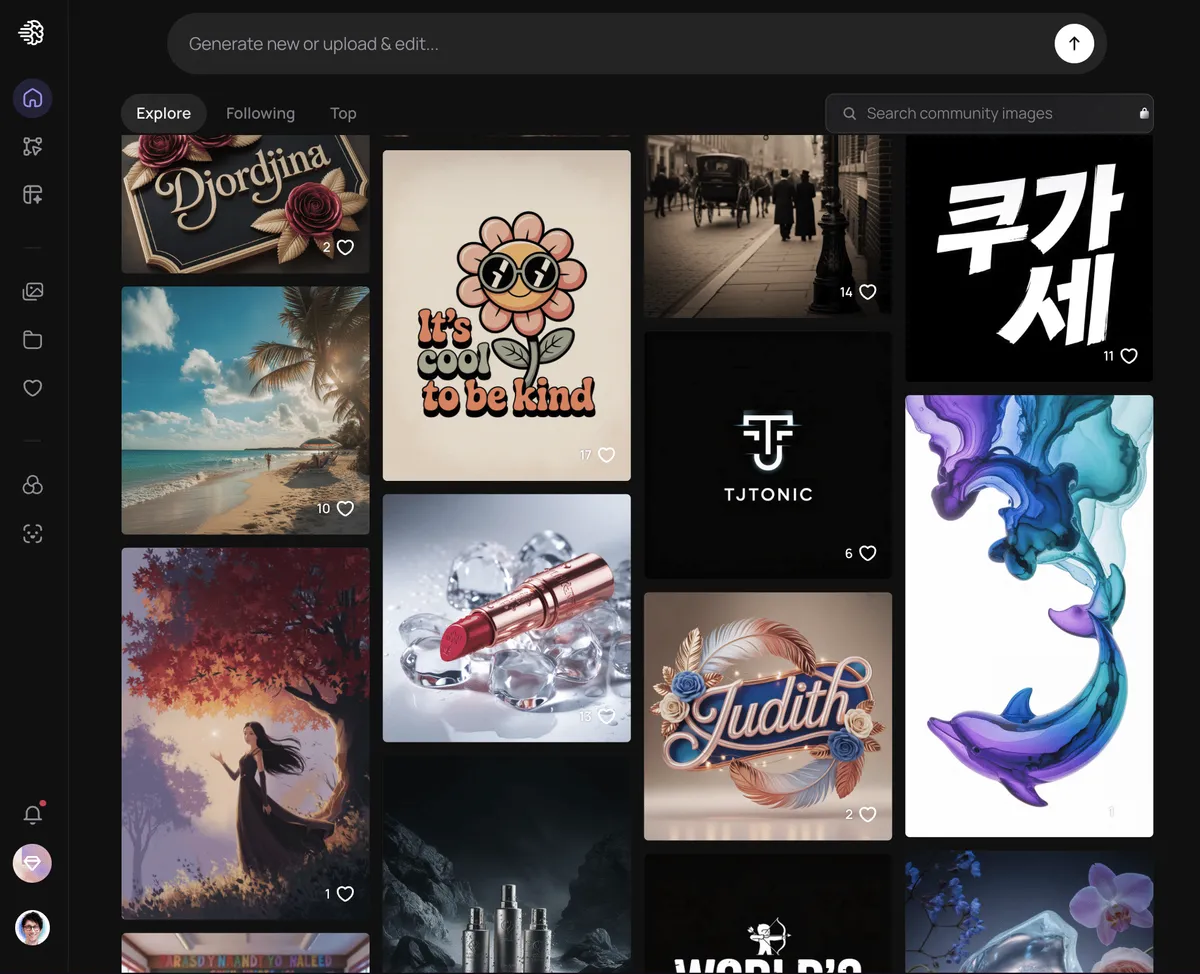
Every AI image generator claims to handle text. Most of them are terrible at it. Ideogram is the exception.
If you need a poster with a headline, a YouTube thumbnail with a title, a social graphic with a call to action, or any visual where words need to be spelled correctly and look natural, Ideogram is the most reliable choice. It renders typography with roughly 90% accuracy — a figure that sounds modest until you compare it to the near-random letter arrangement that most generators produce.
Beyond text, Ideogram is a solid general-purpose image generator. It handles compositions well, follows prompts accurately, and produces clean output. But text rendering is the reason to choose it specifically over the alternatives.
The free plan gives you 12 slow credits per day, which is enough to test it. The Basic paid tier is $15 per month, with higher tiers available for heavier use.
Use it for: Any image that includes readable text — posters, thumbnails, social graphics with headlines, signage mockups, branded materials. The go-to tool when words matter.
Adobe Firefly — the safe choice for client work
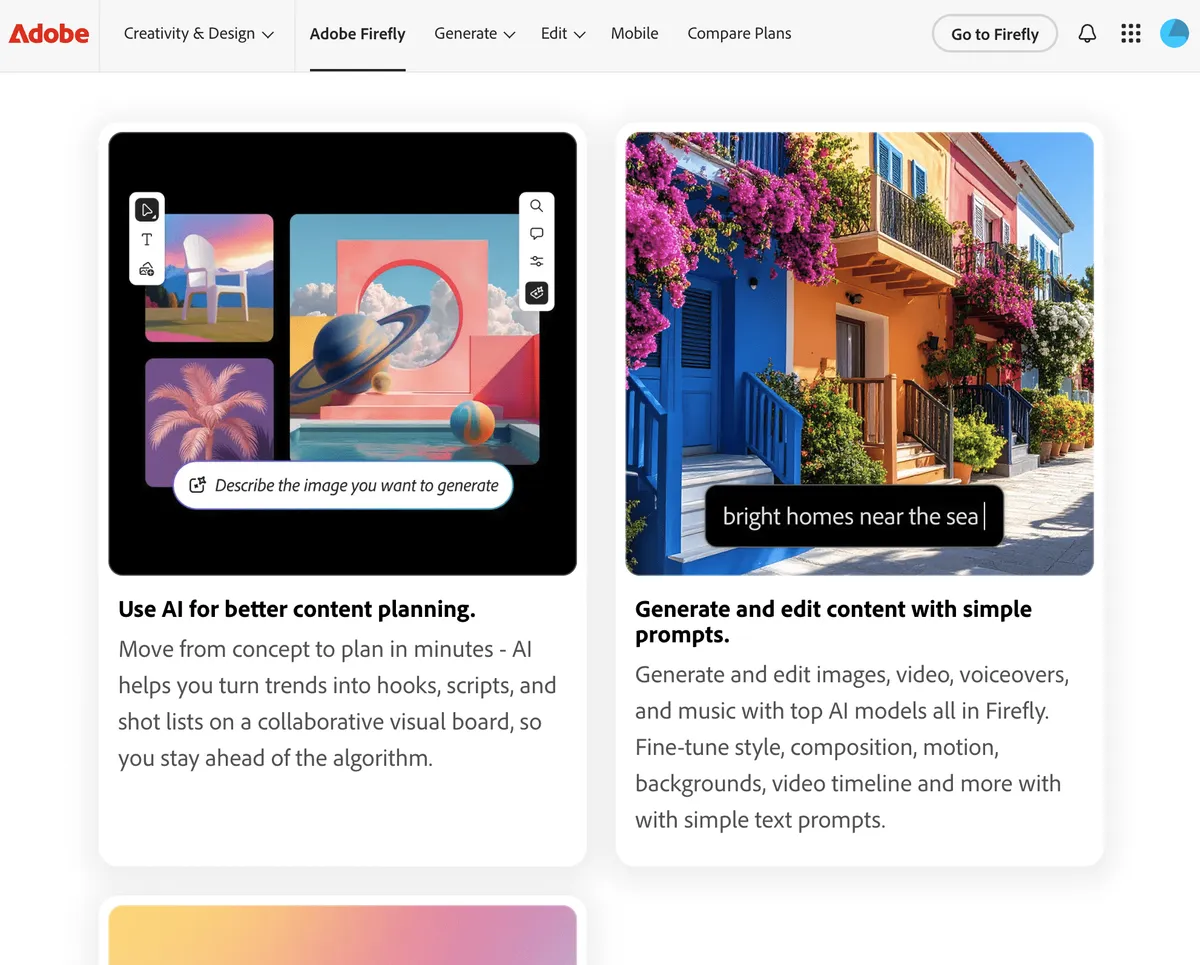
Adobe Firefly occupies a unique position. Judged purely as a standalone text-to-image generator, it’s inconsistent — some prompts produce excellent results, others are underwhelming. But that misses the point of what Firefly is for.
Firefly’s strength is integration and commercial safety. It’s built directly into Photoshop and Illustrator, which means you can use it within your existing creative workflow without switching apps. The Generative Fill feature in Photoshop is genuinely brilliant — select an area of a photo, describe what you want, and it fills it convincingly. Background extension, object removal, element addition: these production editing tasks are where Firefly earns its place.
The other major advantage is licensing. Adobe trained Firefly exclusively on Adobe Stock, openly licensed content, and public domain material. They offer IP indemnification for commercially generated content. If you’re producing work for clients, agencies, or brands where copyright risk carries real financial consequences, Firefly is the safest option available.
Pricing is credit-based. The standalone Firefly Standard plan is $9.99 per month for 2,000 credits. If you already subscribe to Photoshop (from $19.99 per month), you get a smaller allocation of generative credits included.
Use it for: Editing real photos in Photoshop (extending, filling, swapping), any project where commercial licensing clarity is essential. Best as a production tool rather than a creation-from-scratch tool.
Recraft — the only option for vectors
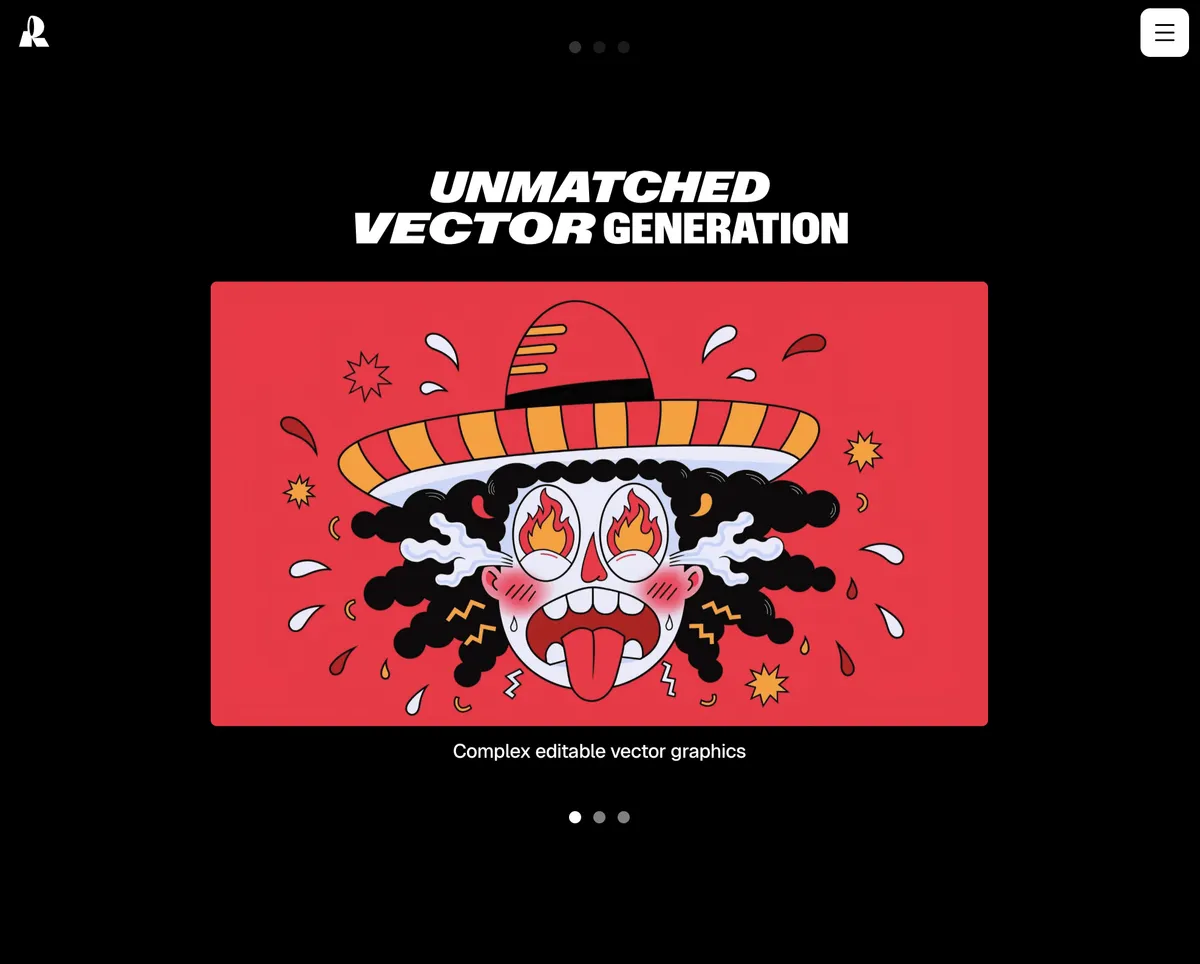
Recraft solves a problem that no other major generator addresses: vector output.
Every other tool on this list outputs raster images — PNGs and JPGs. Recraft generates native SVG files. That means scalable graphics you can open in Adobe Illustrator, Figma, or any vector editor and actually work with — resize without quality loss, adjust paths, recolour elements.
For graphic designers working on logos, icon sets, brand identity systems, or any asset that needs to scale from a favicon to a billboard, this is uniquely valuable. Recraft also includes editing tools (background removal, inpainting, upscaling) and supports custom style creation, so you can maintain visual consistency across a batch of assets without training a model.
Beyond vectors, Recraft handles raster image generation well too. The model produces strong results across photorealism, illustration, and stylised output. But the SVG capability is the reason you’d choose it specifically.
The free tier gives you 30 credits per day. The Basic paid plan is $10 per month for 1,000 credits and commercial usage rights.
Use it for: Logos, icons, brand assets, illustrations, and any design work that needs vector output. Also useful for maintaining brand consistency across multiple generated assets.
Grok — the one that generates real people
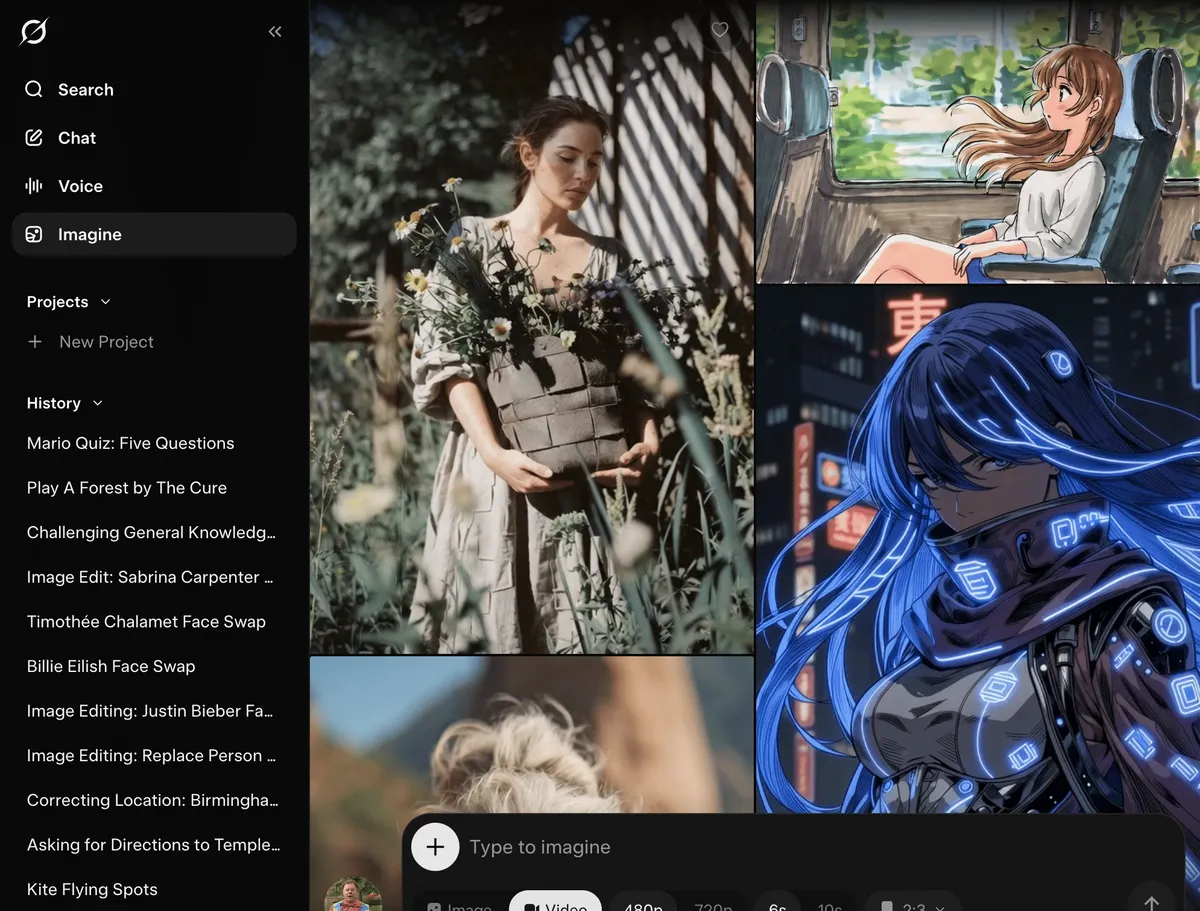
Grok, built by Elon Musk’s xAI and available through X (formerly Twitter), is the outlier on this list. Its distinguishing feature is that it will generate images of recognisable public figures — something every other major generator explicitly refuses to do.
ChatGPT won’t do it. Gemini won’t do it. Midjourney won’t do it. Grok will. It will also generate images in named artist styles and include brand logos without being asked, both of which other generators deliberately block.
This permissiveness has come at a cost. In late 2025 and early 2026, Grok faced a major controversy when users exploited its loose guardrails to generate sexualised images of real people, including celebrities and — alarmingly — minors. Regulators in the UK, Ireland, Australia, Canada, Brazil, and the EU all opened investigations or demanded action. X eventually restricted some of the worst capabilities, but Grok’s content policies remain significantly looser than any competitor.
If you have a legitimate editorial, commentary, or creative need to include a recognisable public figure in a generated image, Grok is currently the only mainstream option. But the ethical context around how you use it matters. The fact that the tool permits something doesn’t mean it’s appropriate or wise.
Image generation is available through the Grok app and X, with a SuperGrok subscription at $30 per month for full access.
Use it for: Generating images of recognisable public figures when there’s a legitimate reason to do so. Use carefully and responsibly.
So which AI image generator should you actually use?
For most marketing and content work, Nano Banana Pro is the default. It handles the widest range of tasks at the highest quality, with strong realism, good text rendering, and capable editing.
When you need something visually striking — concept art, editorial imagery, campaign mood boards — switch to Midjourney.
When text in the image matters — thumbnails, posters, social graphics with headlines — use Ideogram.
When you’re editing real photos or need commercially safe assets for client work — use Adobe Firefly inside Photoshop.
When you need vector output for logos, icons, or scalable brand assets — use Recraft.
When you need fast iteration and conversational refinement — ChatGPT is efficient for exploration, just be aware the outputs look like everyone else’s.
When you specifically need a recognisable public figure — Grok is the only option, but tread carefully!
The honest answer is that most professionals will end up using two or three of these regularly. The tools are good enough now that the deciding factor isn’t quality in the abstract — it’s which tool best fits the specific job in front of you.